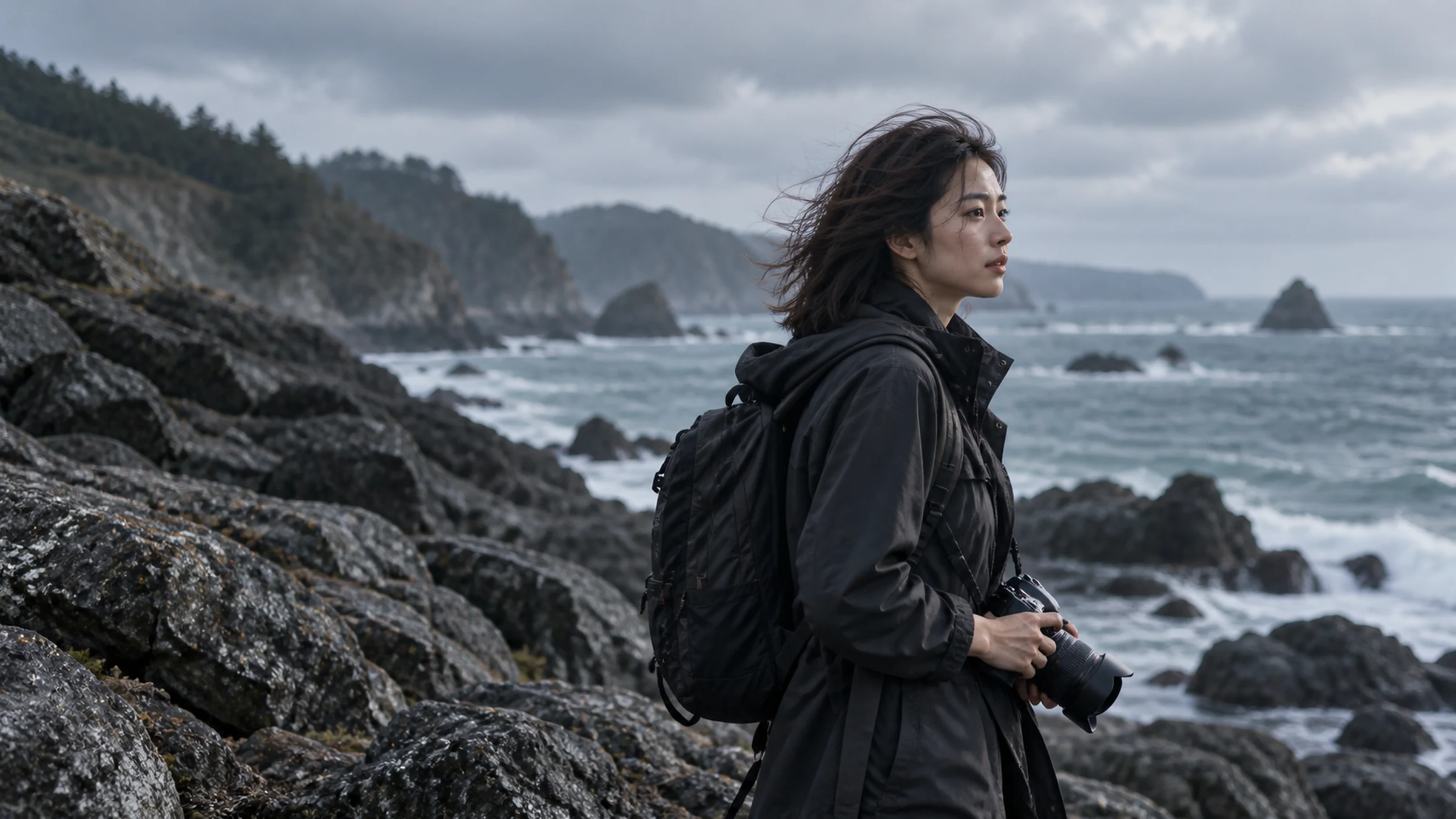
 coast-film.mp4
01
Bring your footage
Upload an original video from your device. MP4, MOV or WebM, up to 1 GiB and 10 minutes.
A studio for your stories
Turn spoken footage into a finished story. Review suggested cuts, refine your captions, save your style and publish when you are ready.
Start creatingThree steps. Every detail in your hands.
coast-film.mp4Upload an original video from your device. MP4, MOV or WebM, up to 1 GiB and 10 minutes.
The coast feels different today.
A little quieter. A little slower.
Some moments are worth keeping.
Generate timed captions from speech, then refine the text, timing and style.
Some moments are worth keeping.Export the captioned MP4 or subtitle file. Review before sharing to TikTok.
Illustrative workflow. Your own footage stays at the center.
Listen to suggested pauses and repeated phrases. Keep or remove each section yourself; your original stays intact.
Correct a word, adjust a timecode, choose a type size. Make every line feel right before rendering.
Download the captioned MP4 and SRT subtitles. No CreatorFlow watermark on your video.
Connect your TikTok account through official authorization. Review the video and publishing settings before each post.
Speech recognition creates a first draft. You review the timing and text, choose the style, and explicitly render the captioned MP4.
No. A creator must preview the video, choose required settings, confirm consent, and start each upload.
This stops CreatorFlow from using this TikTok connection. Your TikTok account and published videos are not deleted.
With permission, CreatorFlow shows profile details, account statistics, and recent public videos for the authorized user.